
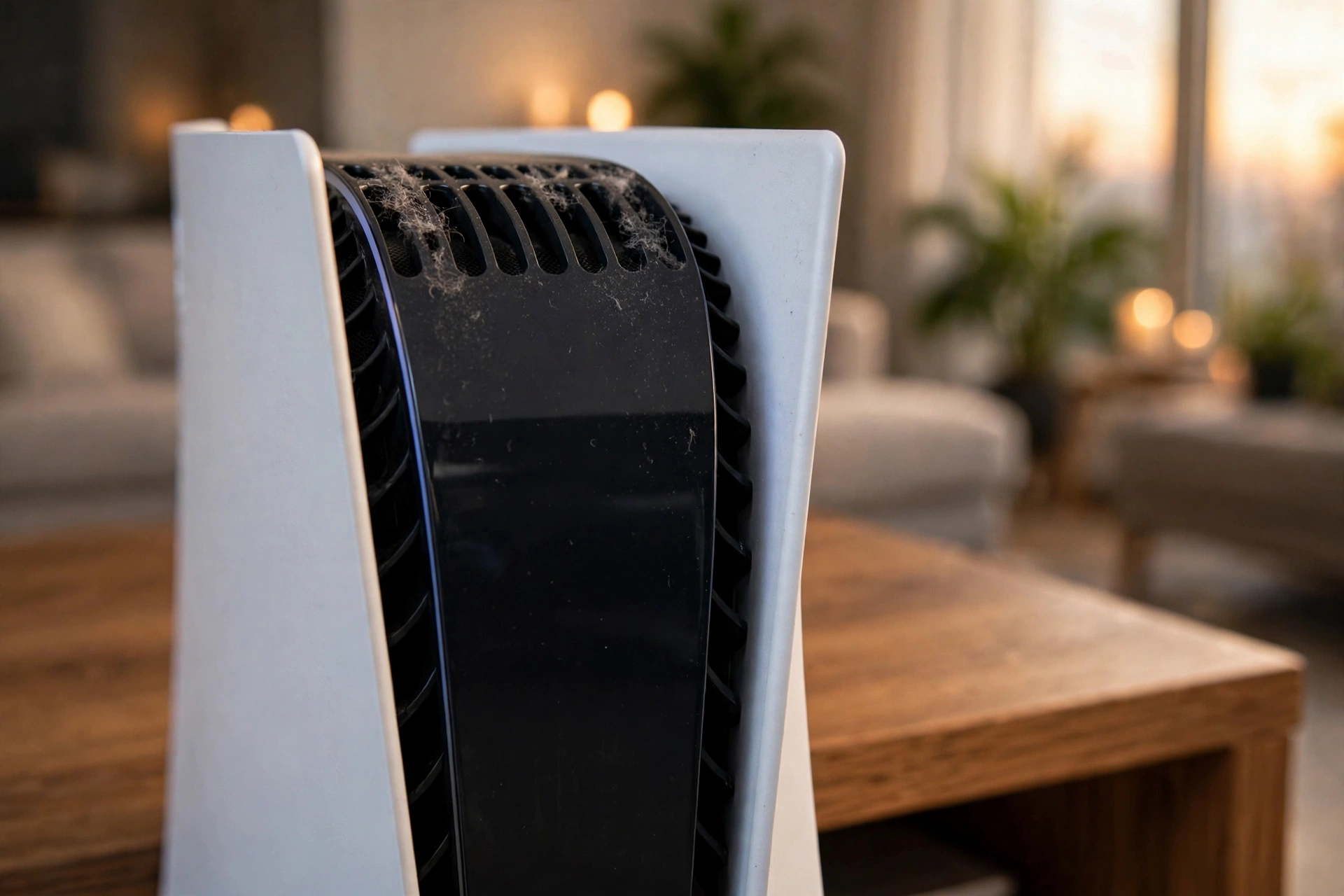
Your PS5 was quiet when it was new. Now the fan roars through every game, the console feels hot enough to warm the room, and worst of all, it shuts itself down mid-game. Before you assume the console is dying, know this: in most cases, it’s dust. Here’s how to tell, what a proper clean fixes, and why waiting makes it worse.
The signs it’s overheating
- The fan is loud all the time. A healthy PS5 fan is barely noticeable. If it roars during every game — even light ones — the cooling system is struggling.
- Hot air and heat warnings. If the air coming out of the vents feels very hot, or you see overheat warnings, the heatsink can’t move heat out fast enough.
- Shutdowns mid-game. The console turning itself off during play is its last defence against overheating. It protects the hardware, but it means the cooling has already failed.
- Games stutter or load slowly. Heat makes the processor slow itself down to survive. That shows up as frame drops, stuttering, and longer loads.
- Dust you can see. If the vents and side panels are visibly dusty, the inside is worse — dust builds up on the fan blades and deep in the heatsink fins, where you can’t see it.
One sign alone can be normal on a hot day. Two or more together means the console needs attention.
Why dust does this
A PS5 pulls in room air to cool itself, and that air carries dust, pet hair, and carpet fibres straight into the fan and heatsink. Over months, the dust forms a blanket that traps heat. The liquid metal that moves heat from the processor to the heatsink can also dry out or shift over time, especially if the console is moved around a lot. Huntsville summers make it worse — a console in a warm room, sitting on carpet, or tucked inside a closed TV cabinet pulls in even more dust and hot air.
What a professional deep clean includes
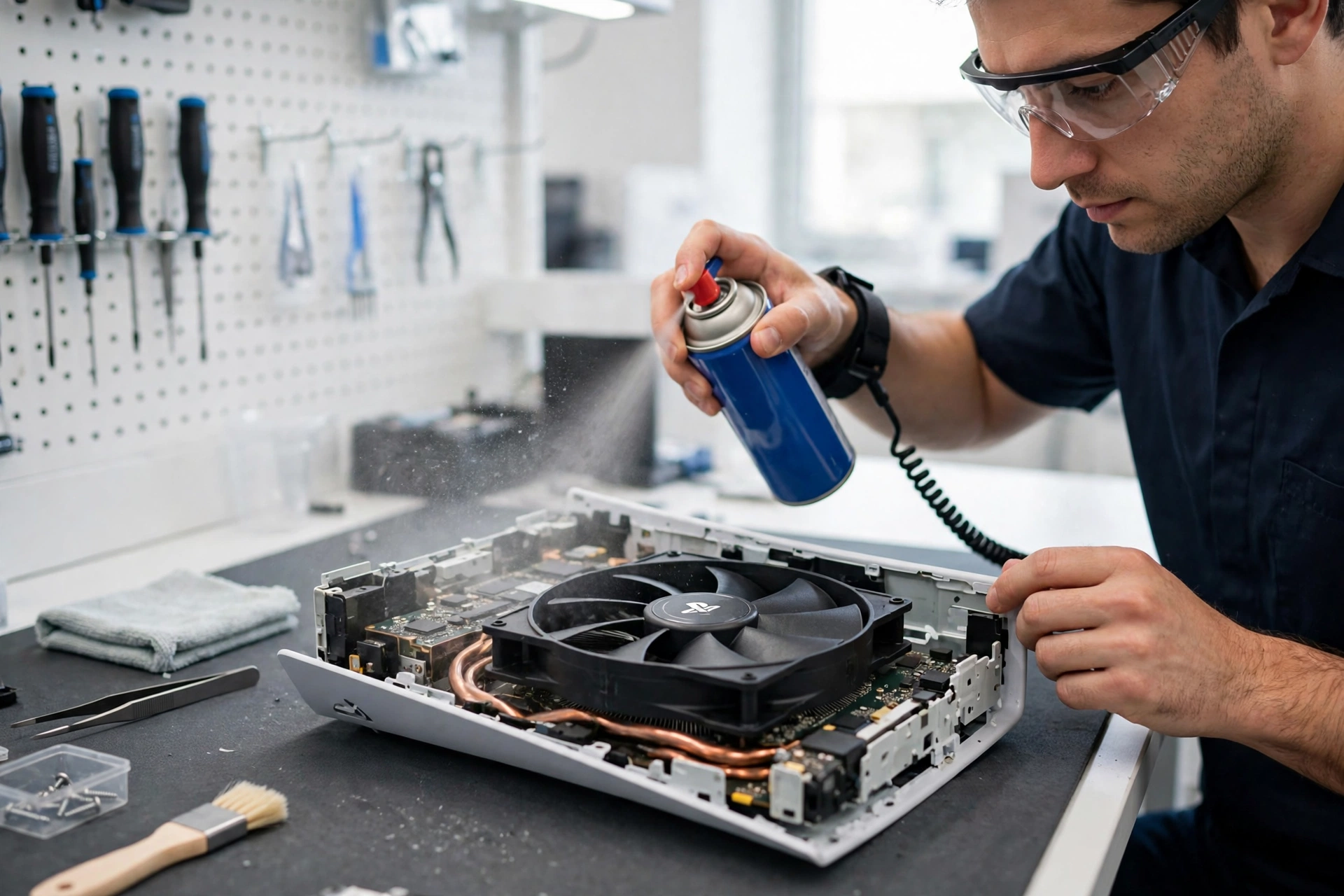
A proper PS5 cleaning is not a quick blast of air through the vents. Here’s what it should cover:
- Full disassembly. The covers, fan, and heatsink come out so every part can be cleaned properly — not just the outside.
- Fan and heatsink cleaning. Dust is removed from the fan blades and from deep between the heatsink fins, where it does the most damage.
- Liquid-metal service. The thermal interface is checked and refreshed where needed, so heat moves from the processor to the heatsink properly again.
- Testing before handover. The console is run through a game or stress test to confirm the fan stays quiet and temperatures stay normal.
How often should a PS5 be cleaned?
For a console played daily, a deep clean once a year is a good rule. If you have pets, carpet, or the console lives in a dusty room, sooner. And if any of the signs above appear — loud fan, heat warnings, shutdowns — don’t wait for the schedule. A cleaning now is far cheaper than a heat-damaged processor later.
What not to do
Blowing compressed air into the vents helps a little, but it mostly pushes dust deeper into the console. Don’t use a vacuum on the vents — static can damage electronics. And don’t open the console yourself unless you know what you’re doing: the liquid metal inside is conductive, and a spill can kill the board. If the console is still under warranty, check the warranty terms before anyone opens it.

FAQ
How long does a PS5 cleaning take?
A full deep clean with testing is usually done the same day once the console is in the shop.
Will cleaning fix my PS5 shutting down?
If dust and heat are the cause — which they usually are — yes. If shutdowns continue after a clean, the problem is something else, and a diagnostic will find it.
Is it safe to keep playing while the fan is loud?
Short sessions are usually fine, but a constantly loud fan means the console is running hot. Every hot session shortens the hardware’s life, so get it cleaned sooner rather than later.
My PS5 has no signal on the TV — is that overheating too?
Not usually. A no-signal problem is most often a damaged HDMI port, which is a different repair. If you get both no signal and overheating signs, bring it in for a full diagnostic.
Book your PS5 cleaning
Call (936) 355-4068 for a free quote, or book online — Cell Geeks Huntsville will deep-clean your console, test it properly, and get you back in the game the same day whenever possible.