
If you’ve searched “computer repair Huntsville TX” and kept landing on phone repair pages, you’re not alone — and you’re in the right place now. Cell Geeks Huntsville has a dedicated computer repair service, and this is the page that explains exactly what we fix, how it works, and what it costs to find out.
What we fix
- Virus and malware removal. Pop-ups, browser hijacks, fake “your computer is infected” warnings, and programs you never installed. We remove the infection, clean up what it changed, and check that your files and accounts are safe.
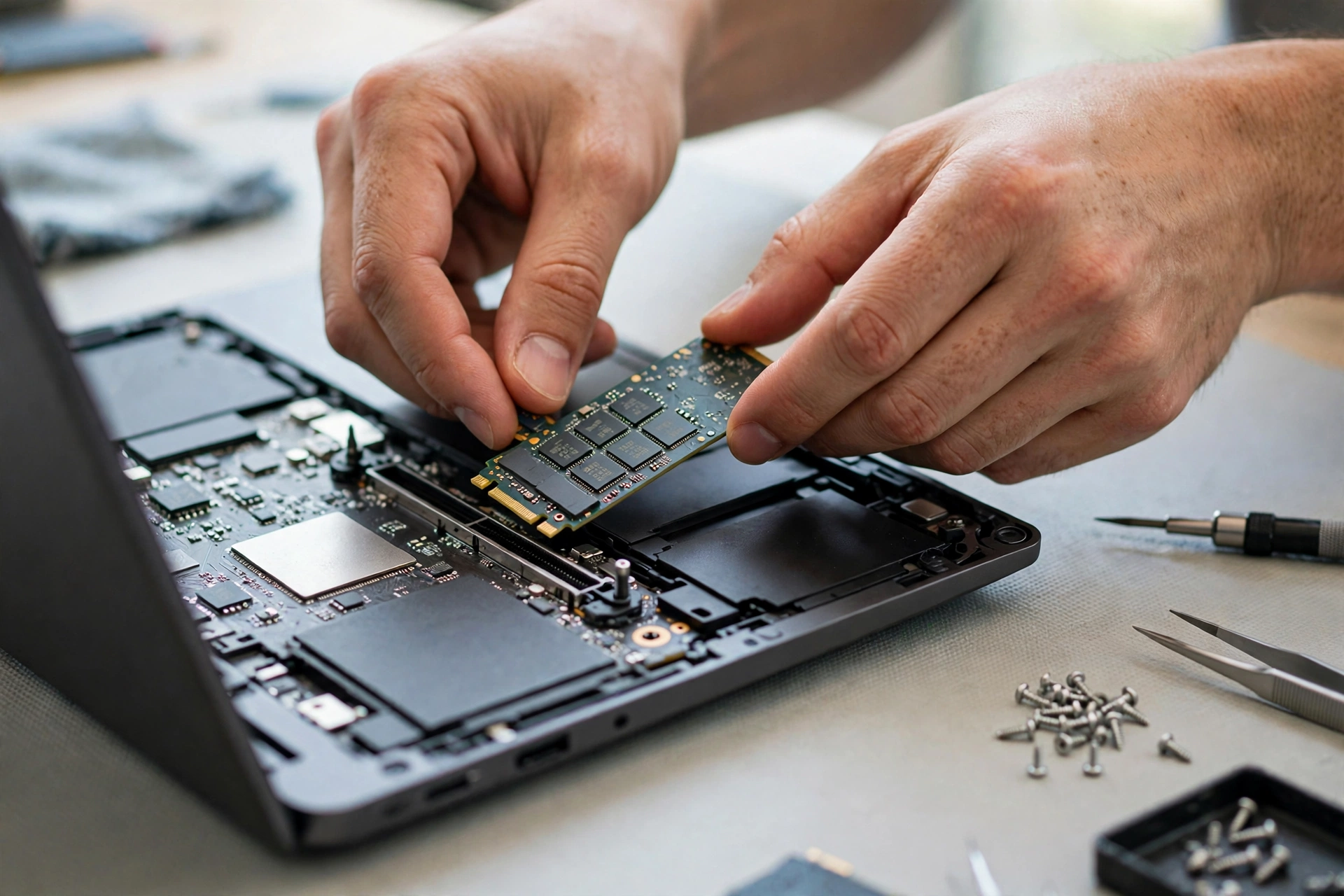
- Slow computers. The most common fix is also the simplest: a solid-state drive (SSD) upgrade and more RAM. An old laptop with a spinning hard drive can feel brand new after an SSD swap — faster boot, faster apps, no more waiting.
- Screens and keyboards. Cracked laptop screens, dead keys, sticky keys, and trackpads that stopped responding. Most screen and keyboard replacements are straightforward once the right part is in stock.
- Won’t turn on, won’t boot. Power issues, black screens, and boot failures. Diagnosis first: sometimes it’s the charger or battery, sometimes the storage drive, sometimes the board. You get the real cause and a quote before any work starts.
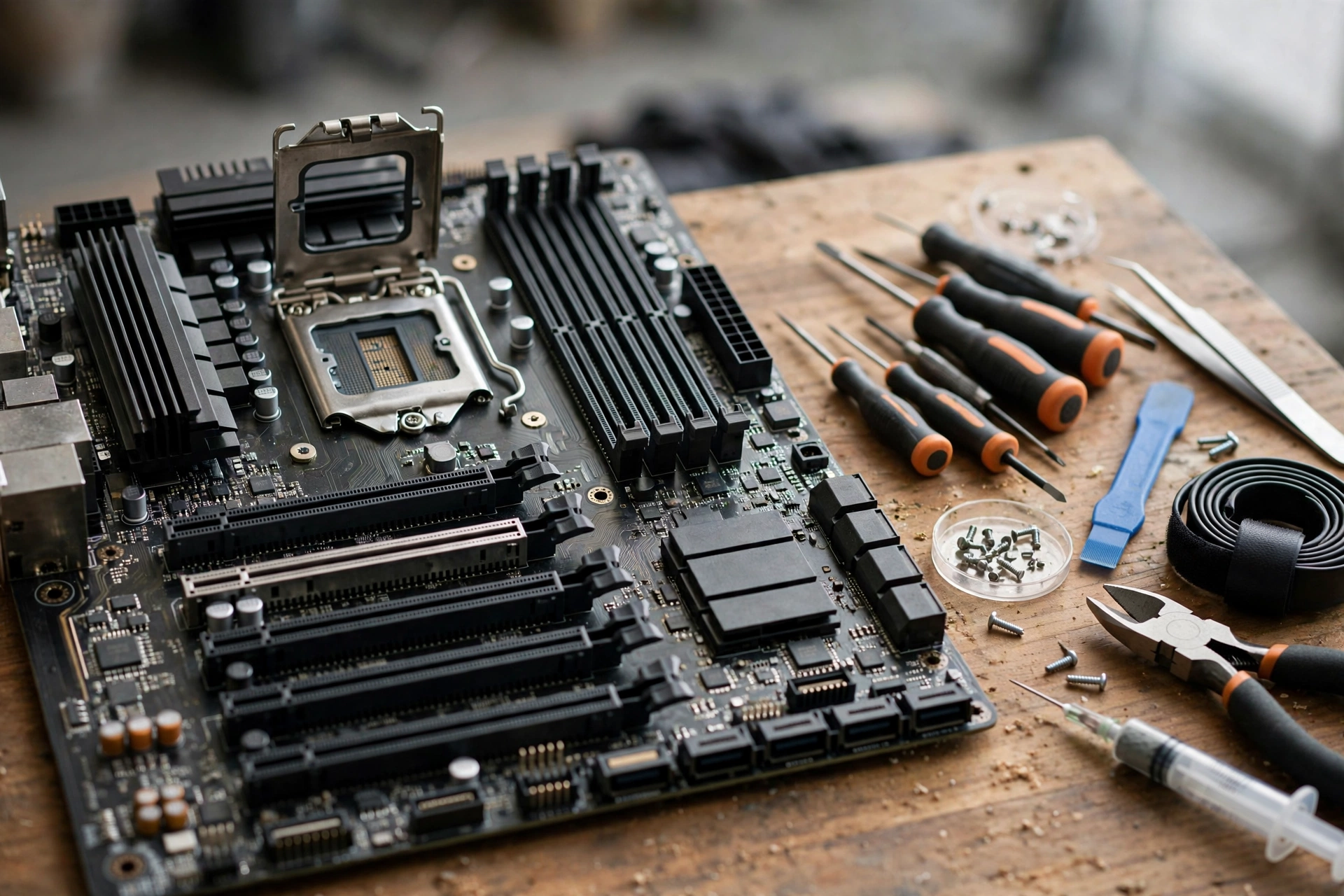
- Motherboard and hardware faults. Charging-port damage, overheating, failed fans, and board-level problems. Not every board fault is worth fixing — and we’ll tell you honestly when it isn’t.
How it works
- Diagnosis first. We find the actual fault before quoting anything. A slow computer might be a virus, a failing drive, or just a full hard drive — three different fixes at three different prices.
- A quote up front. The quote lists the part, the labour, and the warranty, with nothing added afterwards.
- Repair and testing. The work is done and tested — boot, Wi-Fi, sound, USB ports, the works — before the computer comes back to you.
Most common computer repairs — virus removal, RAM or SSD upgrades, screen swaps — are usually done within a day once parts are in stock. Board-level work takes longer, and we’ll say so before starting.
Repair or replace?
The same rule that applies to phones applies here: if the fix costs less than about half of what the computer is worth today, and it still does everything you need, repair it. A $200 SSD upgrade that gives a laptop two more years beats a $800 replacement. But if the board is dead, the machine is very old, or several things are failing at once, replacement is the honest answer — and we’ll say that too.
FAQ
How much does computer repair cost in Huntsville? It depends on the fault and the part. Diagnosis and a written quote come first, so you know the number before committing to anything.
Can you save my files? In most cases, yes — data recovery is part of many repairs, and we back up what matters before doing anything risky. If a drive is failing, bring the computer in as soon as possible: every hour of use makes recovery harder.
Do you fix Macs as well as Windows PCs? Yes — MacBook screen, battery, and storage repairs, and Windows laptop and desktop repairs.
Should I just buy a new laptop instead? If your laptop still runs the software you need and only one thing is broken, repair is usually far cheaper. If it can’t run current software or the board is gone, a new machine makes more sense — and we’ll tell you which one it is.
Get a free diagnosis
Book online, call (936) 355-4068, or visit the shop — Cell Geeks Huntsville will diagnose your computer, give you a written quote, and fix it the same day whenever the part is in stock.
More from the Cell Geeks blog: Should I Buy a Cheap iPhone or Repair Mine in Huntsville? · Hello world!