
Your phone used to last all day. Now it’s dead by lunch, shuts off at 30%, or takes forever to charge. That’s not your imagination — phone batteries wear out, usually after 2–3 years of daily charging. Here are the five signs that say it’s time for a new battery, and what to do about each one.
1. It dies fast, even when you’re barely using it
A healthy battery loses charge slowly on standby. If your phone drops 20% overnight while you’re asleep, or dies by mid-afternoon on light use, the battery can’t hold a charge anymore. Check your battery health in settings — if it’s under 80%, the battery is worn out, and no software trick will bring it back.
2. It shuts down suddenly — even with charge left
The phone shows 30%, then goes black. Or it restarts itself for no reason. This happens because an old battery can’t deliver enough power when the processor asks for it — during a call, a photo, or opening an app — so the phone shuts down to protect itself. If this happens more than once, the battery is the first suspect.
3. It charges slowly, or won’t charge past a point
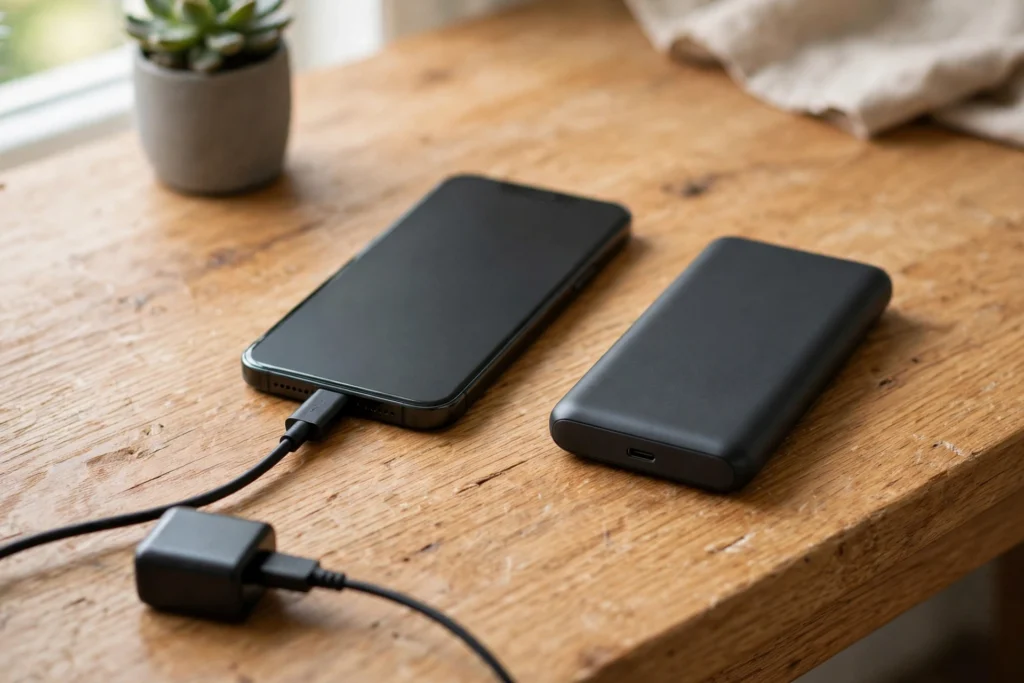
A worn battery charges slowly and sometimes stops at 80% or 90% and never reaches 100%. Before blaming the battery, check the cable and the charging port — a worn port or a cheap cable causes the same symptom. But if the cable is fine and charging is still slow, the battery is failing.
4. The battery is swollen
If the back of your phone is lifting, the screen is separating from the frame, or the phone rocks on a flat table, the battery may be swollen. A swollen battery is a safety issue: stop using the phone, don’t charge it, don’t puncture it, and bring it to a technician right away. Never try to remove a swollen battery yourself.
5. The phone gets hot for no reason
A phone that feels warm during normal use — browsing, texting, a short call — is working too hard to push power through a worn battery. Some warmth during gaming or video is normal. Heat during light use is not.
Why batteries age
Every full charge cycle wears a lithium battery a little. After 2–3 years of daily charging — roughly 500–800 cycles — most batteries hold noticeably less charge than when they were new. Heat makes it worse: a phone left in a hot car ages its battery faster. There’s no way to stop it, only to slow it down: avoid charging overnight every night, keep the phone cool, and don’t let it sit at 0% or 100% for long stretches.
What a battery replacement involves
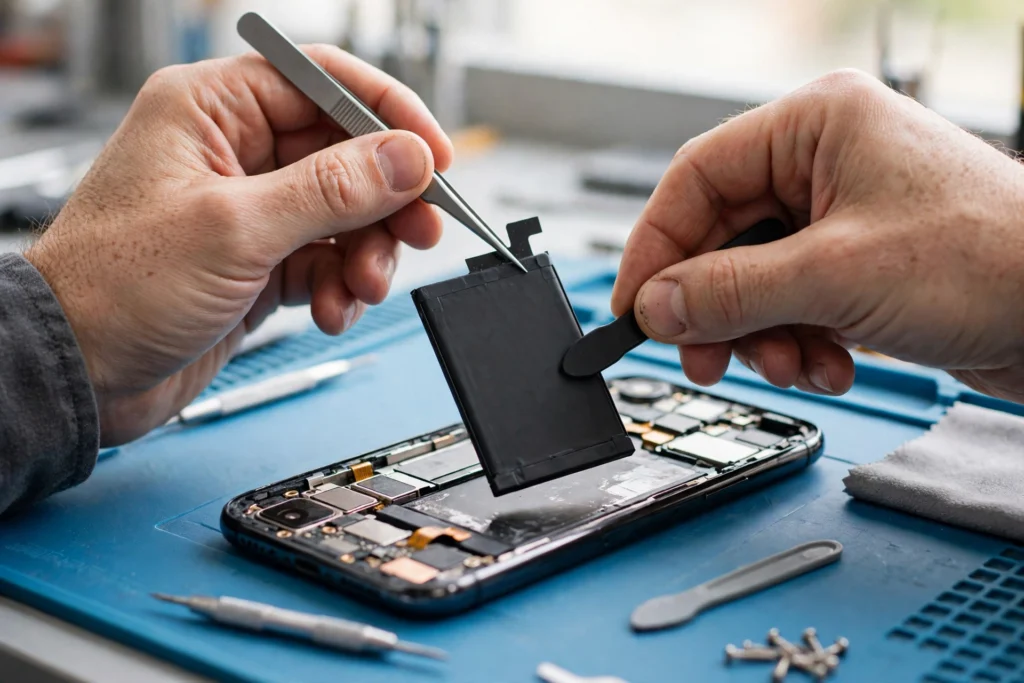
A battery swap is one of the quickest phone repairs: the old battery comes out, a new one goes in, and the phone is tested for charging, battery health, and normal use. It usually takes under an hour once the part is in stock. The right move is a free quote for your exact model first — the quote should list the part, the labour, and the warranty, with nothing added afterwards.

FAQ
How do I check my battery health?
On iPhone: Settings → Battery → Battery Health & Charging. On Android: Settings → Battery, or a battery-health app. Under 80% means the battery is worn out.
Will a new battery make my phone faster?
Often, yes. Phones slow themselves down when the battery can’t deliver enough power — a fresh battery removes that limit.
Is it safe to keep using a phone with a swollen battery?
No. Stop using it, don’t charge it, and bring it to a technician. A swollen battery can catch fire — this is the one battery problem you should never ignore.
Should I replace the battery or just buy a new phone?
If the phone still gets updates and only the battery is bad, replace the battery. It’s one of the cheapest repairs there is, and it can give your phone another year or two of life.
Get a free quote
Call (936) 355-4068 for a free quote on a battery replacement for your exact phone model, or book online — Cell Geeks Huntsville can usually swap a battery the same day.